
Memory Game Maker
Choose a learning theme and play an interactive card-matching game in your browser.
Game Settings
Moves
0
Matches
0/8
Time
00:00
Choose two cards to find a matching pair.
Game Board
Generate a Matching Game for Learning and Review
Practice visual memory, vocabulary, and math facts with a game that starts instantly.
Match Pictures or Math Facts
Multiple Themes
Use identical visual pairs for themed games or match equations with their answers in Math Facts mode.
Choose a Theme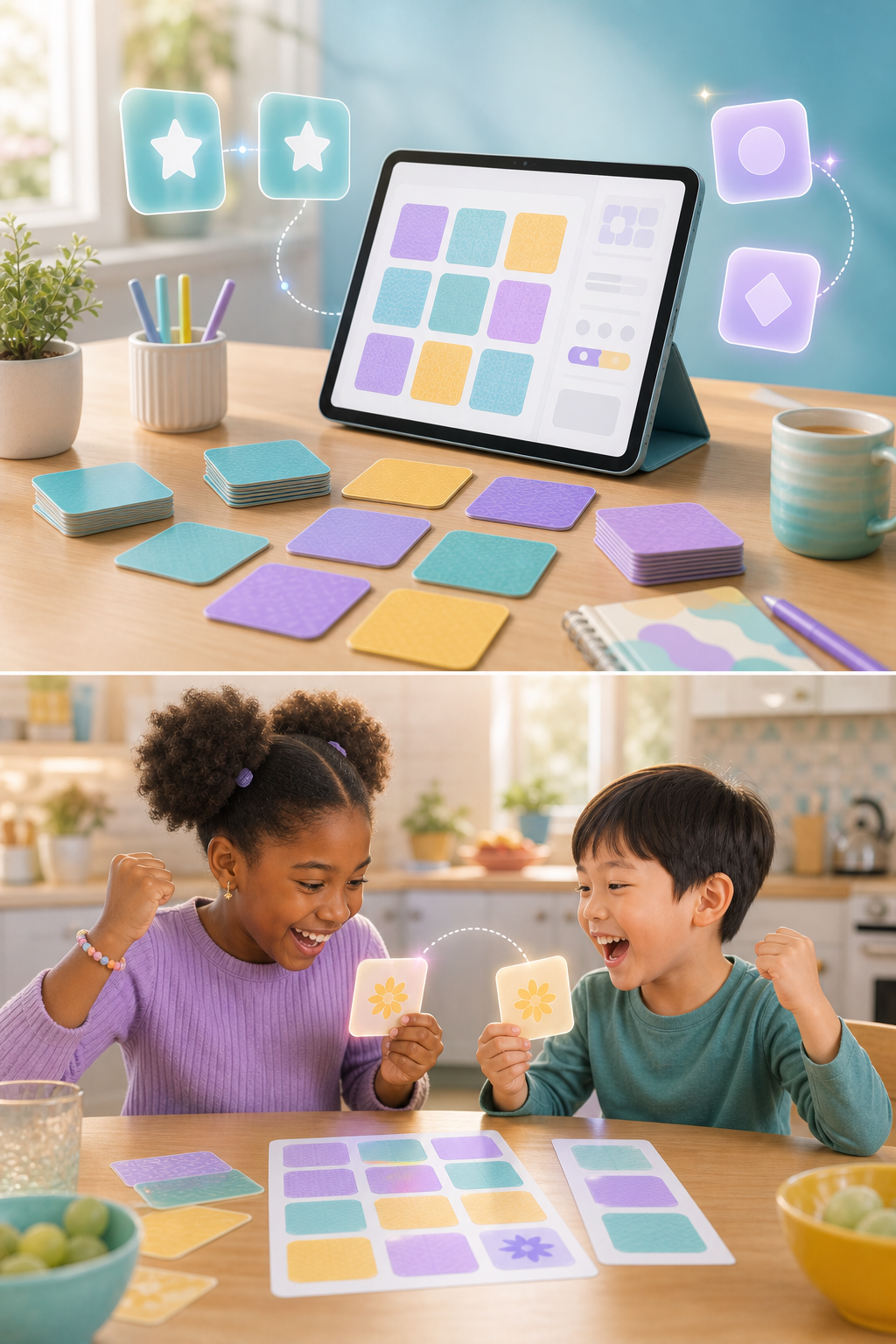
Change the Number of Cards
Adjustable Board
Select a compact board for younger players or a larger board for longer practice.
Set the Board SizeHow to Create a Memory Game
Choose a theme and board size, then start matching.
Choose a Theme
Step 1
Pick animals, space, nature, or equation-and-answer math pairs.
Select a Board Size
Step 2
Set the number of cards to match the available time and learner level.
Flip and Match
Step 3
Find every pair while tracking moves, matches, and completion time.
Learning Practice That Feels Like a Game
A simple matching activity for centers, warm-ups, and home learning
Builds Focus and Recall
Learners remember card positions and compare details.
- Visual attention practice
- Short-term memory exercise
- Self-paced gameplay
Ready in Seconds
Start a new shuffled board without preparing cards manually.
- Automatic pair selection
- Instant board shuffle
- No download required
Includes Academic Practice
Math mode uses related pairs instead of identical images.
- Equation and answer matching
- Flexible board sizes
- Useful for learning centers
A Flexible Activity for Young Learners
Use a small board for quick practice or a larger one for a challenge.

Rachel King
First Grade Teacher
The smaller board is a great five-minute center activity for early finishers.

Owen Lee
Math Tutor
Equation-to-answer matching adds useful recall practice beyond a standard picture game.

Sofia Grant
Homeschool Parent
My children can start a new board themselves and immediately understand what to do.
Memory Game Maker FAQs
Common questions about themes, math pairs, and gameplay
Math Facts pairs an equation card with the corresponding answer card instead of using two identical cards.
Yes. Select a 12, 16, or 20-card board.
No. The cards and their positions are shuffled when you start a new game.
Yes. Use Reveal Cards for guided practice or to explain the activity.
Yes. The game logic runs locally in your browser and does not use AI credits.